How to Become a Scorer on Cric Squad
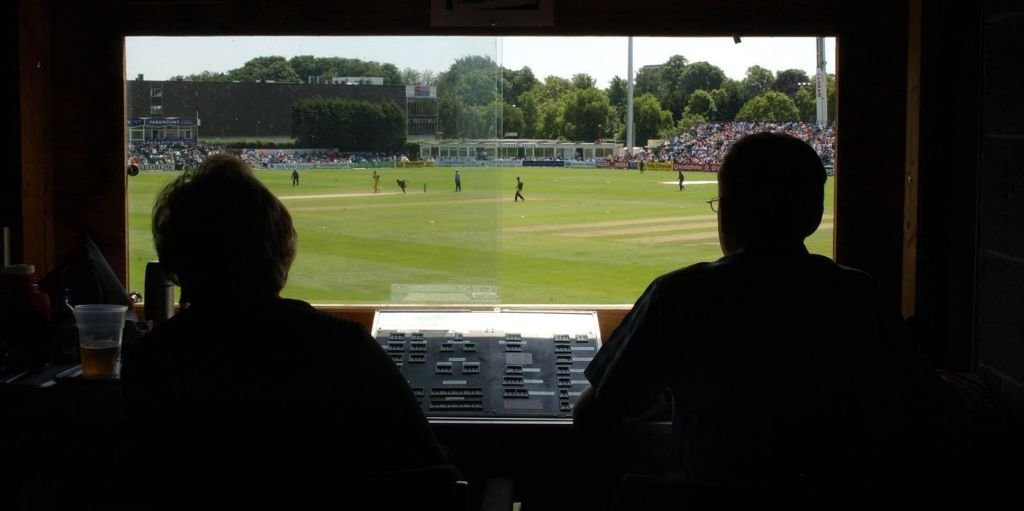
Scorers bring matches to life on Cric Squad. Here's how scorer accounts are created and how live ball-by-ball scoring works.
Every live score on Cric Squad comes from a scorer at the ground, entering each ball on a mobile phone. Scorer accounts are created for you by a tournament organizer or the Cric Squad admin. This keeps live scores accurate and trustworthy, so there is no public sign-up form.
Step 1: Get added by the organizer. Contact the organizer of the tournament you want to score for. They add you in their Officials screen with your name, phone number and email address.
Step 2: Receive your login. The organizer clicks Create login next to your name. Cric Squad creates your scorer account, and the organizer shares your email and password with you. If you already score for another tournament, your existing login is simply linked, so you don't need a second account.
Step 3: Sign in. Go to cricsquad.co.in/admin/login.php and sign in. You can change your password under My account.
Step 4: Score your matches live. The Scorer Console shows the matches assigned to you. For each match:
confirm the toss and playing XIs;
enter every ball: runs, extras, wickets and the fielder involved;
the scoreboard, scorecard and player statistics update instantly for everyone watching on the site.
Tips for scorers
Keep your phone charged and connected to mobile data.
Double-check the batter and bowler at the start of each over.
Mistakes can be corrected with Undo during the match.
Want to score for many tournaments? Write to the Cric Squad team through the Contact page and we'll put you in touch with organizers near you.